
OMNI Edge + OMNI VMS
Deploy devices, management software, and apps together. Add your installation services, customer workflows, and ongoing fleet support.
Integrated OMNI deployment
Edge AI & Video Telematics
Driver and road AI, live video, direct driver communication, and connected fleet management. Build your solution with OMNI, with integration options shaped around your devices, platforms, and workflows.
LLM PERSONALIZATION OVER NATURAL LANGUAGE Explore prompt-based device and VMS workflows →01 / Deployment & integration
Use OMNI as an integrated foundation, or define a connection to your existing platform. Your operating requirements determine the integration scope.
Deploy devices, management software, and apps together. Add your installation services, customer workflows, and ongoing fleet support.
Integrated OMNI deploymentBring driver and road intelligence, video, and contextual events into a partner’s fleet service through an agreed interface.
Project integrationDiscuss additional sensors and devices for your operation, with agreed data mappings and management workflows.
Project integration
DMS / ADAS · Recording
GNSS / Motion · Live access
Fleet visibility · Event review
Communication · Coaching
Additional devices · Partner VMS · Customer applications
Interface
and deployment scope agreed per project
Build on OMNI with your vehicle installation expertise, complementary devices, local applications, and customer services.
Discuss your integration →02 / Liveview & Livechat
Open the available vehicle cameras to understand current conditions. Use OMNI’s in-vehicle communication interface when the driver needs instructions.
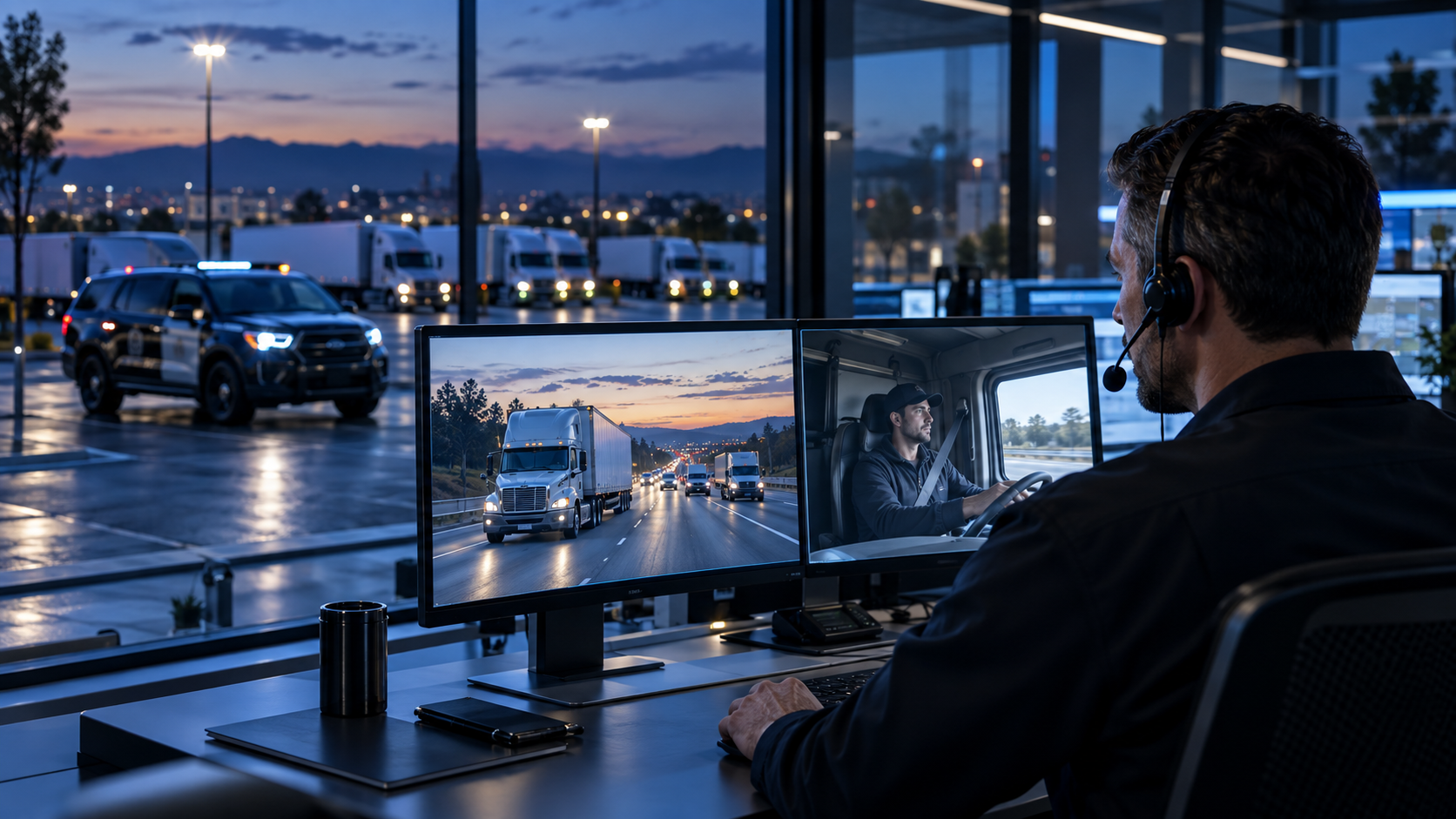
Inspect the road or cabin situation after an alert and coordinate the next action with the driver.
Communicate through OMNI’s installed Livechat interface without asking the driver to handle a phone.
Check current driving conditions through Liveview without initiating a conversation or requiring driver interaction.
Live access depends on the installed cameras, connectivity, and authorized access settings.
03 / LLM-powered personalization
Use prompts to query fleet data or define customized functions on the OMNI website and device. The LLM agent interprets your intent and asks for confirmation before applying changes.
Fleet administrators and managers can query data and define customized website functions through prompts, without remembering menu locations or the steps needed to retrieve information.
“Show vehicles with repeated fatigue events this week.”
Describe the behavior you need on the vehicle. For example, configure OMNI to give the driver an alarm when the vehicle leaves its assigned geofence.
“Give the driver an alarm when the vehicle is outside the geofence.”
Express the desired operational behavior or data query through prompts.
The LLM agent interprets your intent and asks you to confirm its understanding.
Apply the confirmed changes automatically to the OMNI device or website.
Discuss LLM personalization for your OMNI deployment. Supported queries and generated functions follow the agreed integration scope.
Explore AI-Personalized Functions →04 / Contextual sensor fusion
OMNI fuses driver state, road perception, vehicle motion, and available vehicle signals. Context from multiple sources helps distinguish genuine risk from normal driving behavior and reduce false alarms.
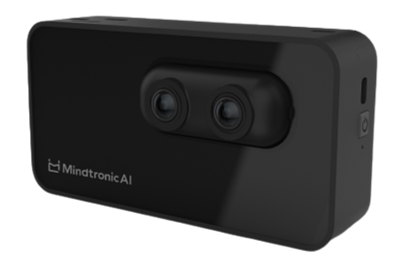
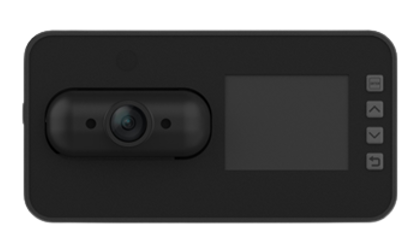
Drowsiness, distraction, phone use, smoking, driver presence, identification, and camera obstruction.
Forward collision, headway, pedestrian collision, and lane departure warnings, with wide and long-range road observation.
GNSS and inertial sensing provide context for speed, harsh acceleration, braking, turning, and collision events.
A brief mirror check during a lane change has a different meaning from prolonged distraction. When distraction and forward collision risk occur together, the more urgent warning takes priority. OMNI’s integrated architecture brings these signals into a coordinated decision.
05 / Event metadata
Associate event footage with synchronized time, identity, location, and available sensor data. A connected event record helps managers and integrated systems understand what happened.
06 / Configure OMNI for your operation
Select the camera coverage, intelligence, and management workflows that fit your vehicles and operating environment.
Instant alarms for impaired driver state and collision threats, live view and chat, cargo surveillance, route visibility, and incident review.
Instant alerts · Live support · Cargo visibility
Driver fatigue and road risk, cabin visibility, position tracking, and remote communication.
Driver safety · Passenger context
Patrol visibility, multi-camera recording, incident reporting, and contextual metadata and security.
Event context · Evidence custody
Explore police fleet solutions →Operator monitoring, application-specific camera placement, motion events, and vehicle integration.
Flexible sensing · Custom workflows
07 / Police & public-service fleets
OMNI connects patrol vehicle location, live video, communication, and event data to help the command center dispatch nearby units, assess developing incidents, and coordinate assistance.
View current police vehicle locations to identify nearby units and coordinate urgent dispatch as the situation changes.
Receive multi-camera live video together with GPS location and IMU vehicle-motion data. Livechat connects officers and the command center immediately, reducing reliance on verbal reports alone. Recorded event packages support later investigation and evidence-custody workflows.
With conflict and violence detected when officers are out of vehicle, the cameras monitor the covered area, automatically record an event package, and alert the command center to assess the situation and coordinate support.
08 / OMNI VMS & apps
Connect live fleet activity with historical records and driver performance, then organize the follow-up.
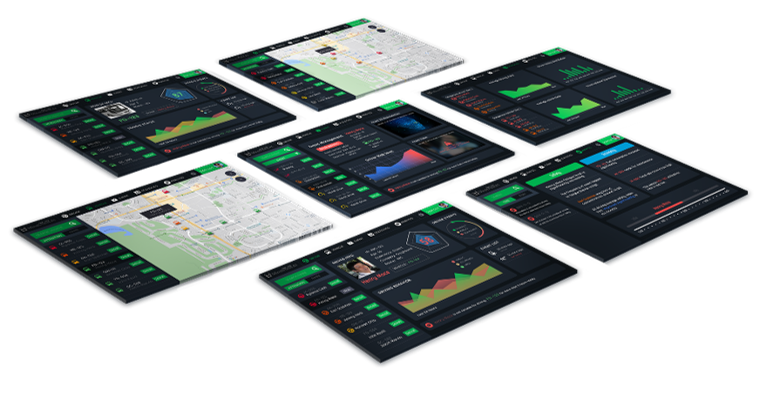
Fleet maps, geofences, vehicle activity, and route history.
Event footage, remote recording retrieval, and playback.
Driver event trends, benchmarks, duty, mileage, and utilization.
Coaching records, follow-up tickets, progress review, and fleet configuration.
09 / Hardware & functional specifications
Review the hardware foundation and available functions with MAI. The final specification follows your camera arrangement, installation, and integration scope.
| Item | Specification / scope |
|---|---|
| Cameras | Driver monitoring with 940 nm NIR; road cameras; external cabin / rear camera options |
| Video & audio | H.264 / MPEG-4 recording; continuous and event-triggered recording |
| Local interface | 2-inch LCD in the referenced configuration |
| Position & motion | GPS positioning; accelerometer and gyroscope |
| Connectivity | LTE Cat.4; 2.4 GHz Wi-Fi / BLE in the referenced configuration |
| Vehicle power | 12 / 24 V |
| Installation & interfaces | Camera placement, harness, and vehicle CAN integration scoped per deployment |
| Environmental rating | Component and configuration dependent; confirm the complete device operating range |
| Group | Functions | Scope |
|---|---|---|
| Driver & road intelligence | DMS, ADAS, identification, and motion events | Configuration dependent |
| Recording & events | Loop recording, event clips, synchronized video and telemetry | Camera / storage dependent |
| Live operations | Liveview and Livechat | Connectivity dependent |
| Fleet management | Maps, historical review, driver analysis, and coaching | OMNI VMS deployment |
| Maintenance | Configuration and OTA software / algorithm updates | Deployment dependent |
| LLM personalization | Prompt-based device and VMS workflows | Integration concept / project scope |
| Partner platforms & devices | Interfaces, data mapping, and application workflows | Project integration |
Reference specifications are based on supplied OMNI materials. Recording channel counts, storage, dimensions, environmental limits, and product-specific compliance are confirmed for the quoted configuration.
Explore MAI automotive engineering →Build with OMNI
Tell us about your vehicles, existing platforms, camera coverage, and operational workflows. We can define a deployment or integration scope with your team.